No-login group photo sharing
Share event photos without making everyone log in.
Create one room link for the group, let guests add photos from their phone, and download selected event media as a packaged zip.
Step 1
Create a photo sharing room
Step 2
Share the link or QR code with guests
Step 3
Add photos during the event and download the set afterward
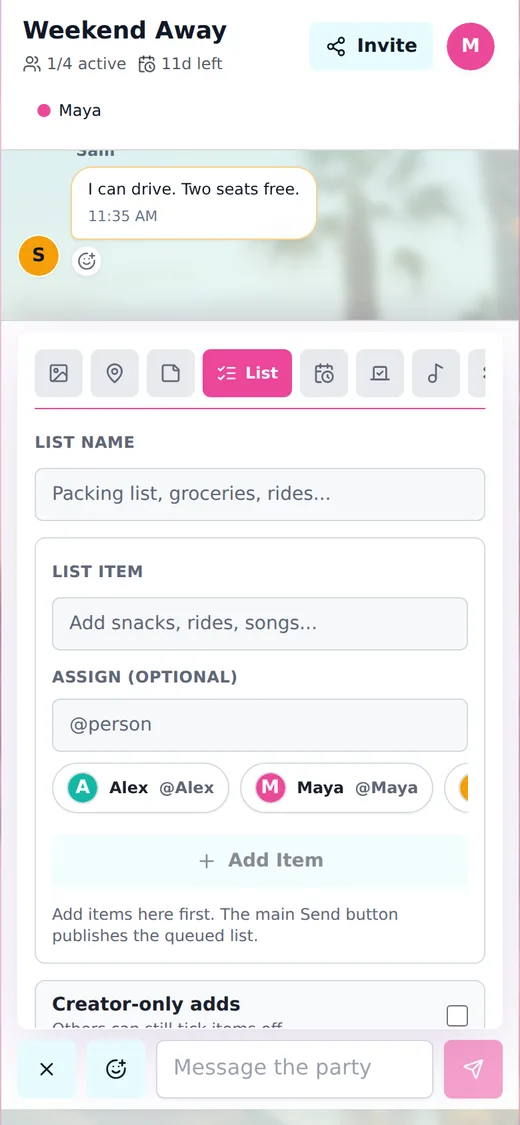
Shared event media
Collect group photos in the same room where the event chat is happening.
Guests join from one link with no account
Camera and photo picker support on mobile
Select shared media and download a packaged zip
Related planning guides
shared checklist for group tripShared Checklist for Group TripBuild a shared checklist for a group trip, assign items to travelers, and keep packing, food, tickets, and tasks visible.festival group plannerFestival Group PlannerPlan a festival group with shared chat, meetups, camping lists, rides, set times, music queues, polls, and group costs.ski trip plannerSki Trip PlannerPlan a ski trip with shared rooms for rides, gear lists, lift passes, lodging details, dinner plans, and expense splits.
Create a room for your group.
Share one link for chat, decisions, lists, plans, travel details, music, and expenses.