Group expense splitter
Split group costs where the planning is already happening.
Add receipts, choose who is included, and track payments without sending the group into a separate expense thread.
Step 1
Add a receipt or cost
Step 2
Select the participants
Step 3
Publish the split and track who has paid
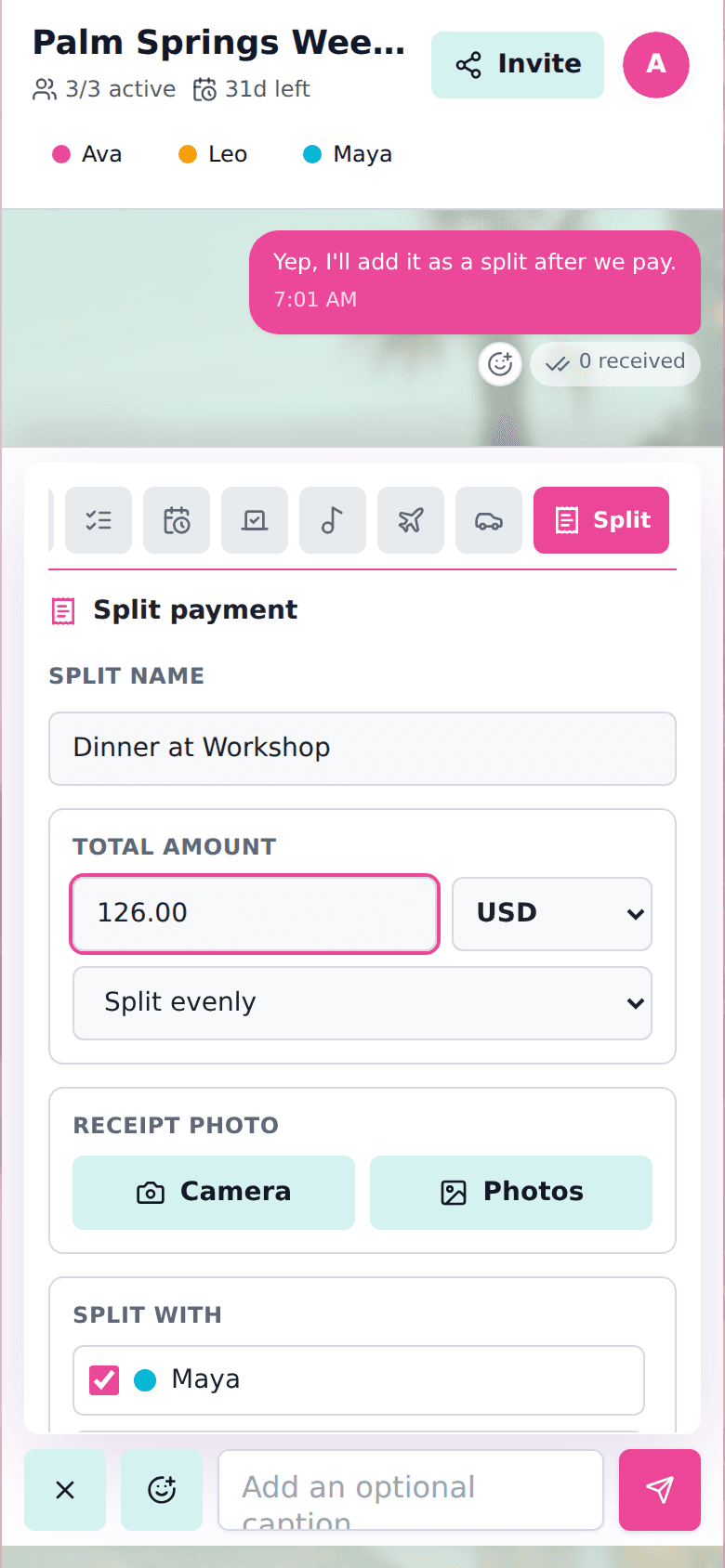
Expense cards in chat
Create a split from the composer, include the right people, and keep the receipt tied to the room conversation.
Even, exact, or percentage splits
Creator can choose included participants
Guests only need to see their own payment state
Related planning guides
no login group photo sharingNo-Login Group Photo SharingShare event photos with a group from one room link. Guests can add photos without creating an account, then select and download shared media as a zip.shared checklist for group tripShared Checklist for Group TripBuild a shared checklist for a group trip, assign items to travelers, and keep packing, food, tickets, and tasks visible.festival group plannerFestival Group PlannerPlan a festival group with shared chat, meetups, camping lists, rides, set times, music queues, polls, and group costs.
Create a room for your group.
Share one link for chat, decisions, lists, plans, travel details, music, and expenses.