Party planning group chat
Give the party its own planning chat.
Keep setup tasks, guest updates, votes, music, photos, and last-minute changes out of scattered message threads.
Step 1
Create a room named for the party
Step 2
Share it with co-hosts and guests
Step 3
Use chat cards for tasks, polls, and playlist choices
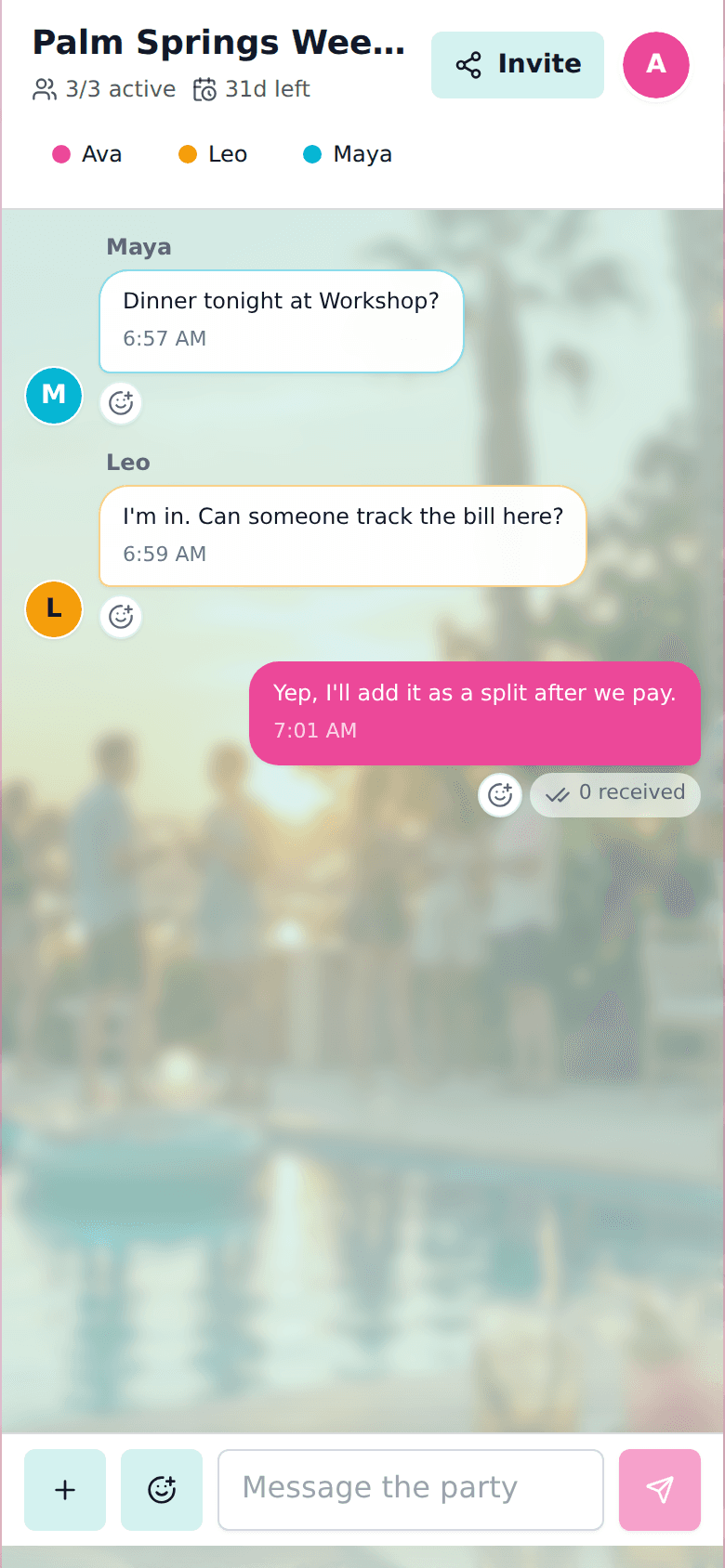
Fast event chat
Guests join from a link in the browser, then use the room before and during the party.
No account required for guests
Polls, lists, photos, and music in chat
Room link works well from a QR code
Related planning guides
bachelorette weekend plannerBachelorette Weekend PlannerPlan a bachelorette weekend with one shared room for the schedule, arrivals, outfits, polls, photos, music, and payments.temporary group chatQuick Group ChatCreate a free group chat room for an event, trip, party, or pop-up group. No app install required.event group chatEvent Group ChatRun an event group chat with shared updates, agenda items, checklists, polls, announcements, and guest coordination.
Create a room for your group.
Share one link for chat, decisions, lists, plans, travel details, music, and expenses.