Quick group chat
Create a group chat for the thing happening now.
Use one room link when you need everyone together for an event, plan, shift, trip, or one-off project.
Step 1
Pick a room name
Step 2
Share the link or QR code
Step 3
Chat, decide, and close the room when the event is done
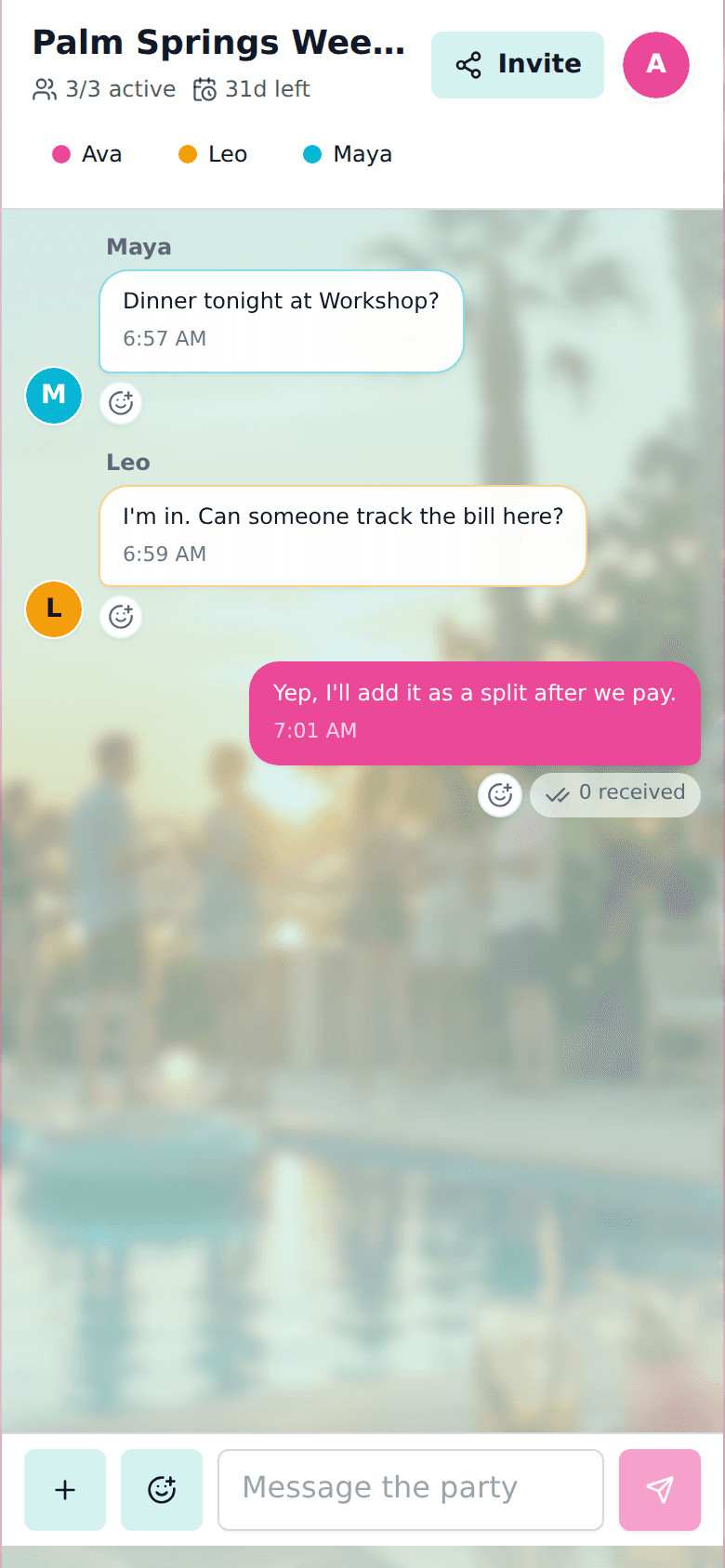
One link, no install
Guests join in the browser and can start chatting without downloading a dedicated app.
Room links are easy to share
Useful resources live inside the chat
Rooms can be closed after the event
Related planning guides
event group chatEvent Group ChatRun an event group chat with shared updates, agenda items, checklists, polls, announcements, and guest coordination.group expense splitterGroup Expense SplitterSplit group expenses inside a shared room with chat context, participants, receipt details, and private paid status for guests.no login group photo sharingNo-Login Group Photo SharingShare event photos with a group from one room link. Guests can add photos without creating an account, then select and download shared media as a zip.
Create a room for your group.
Share one link for chat, decisions, lists, plans, travel details, music, and expenses.